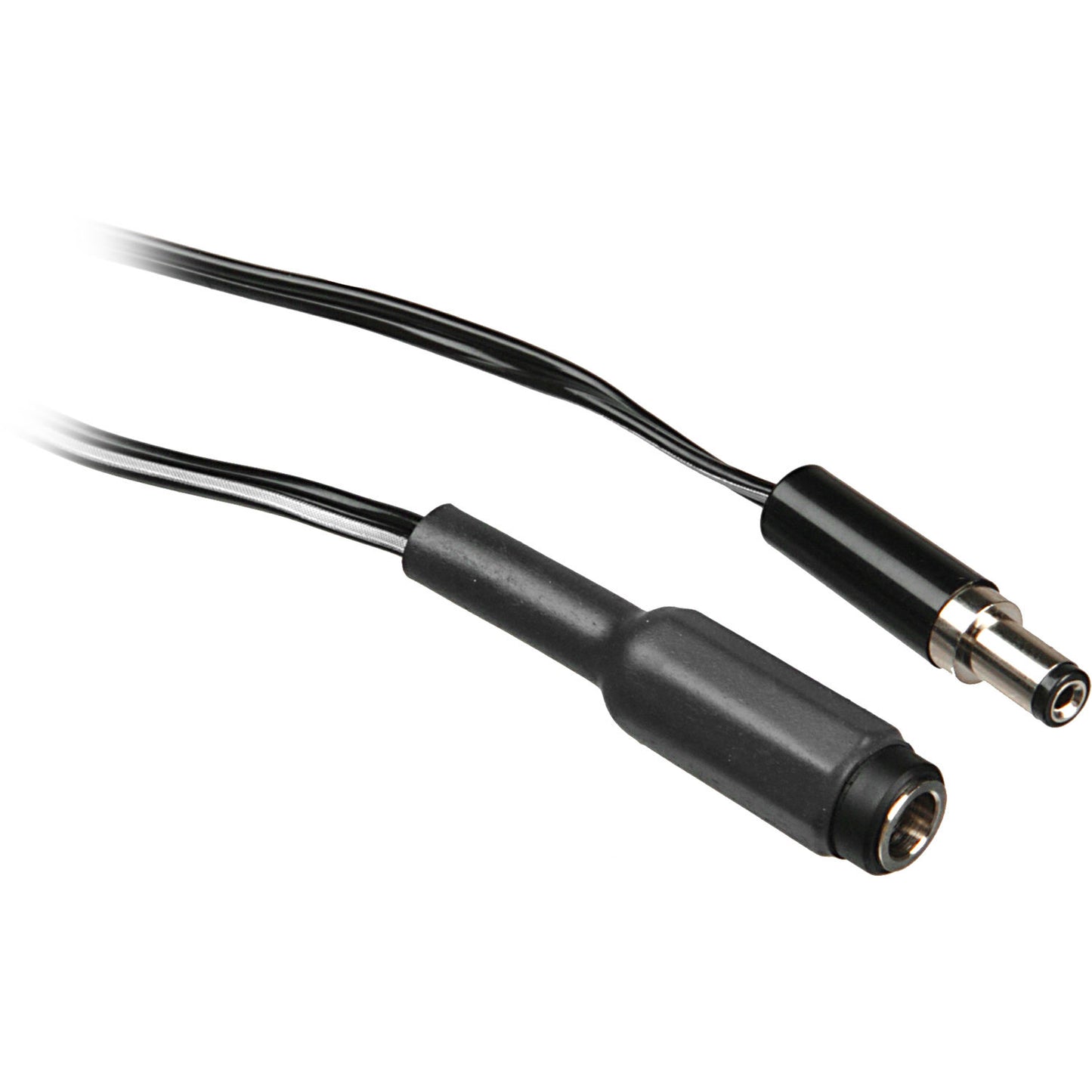


More reach, same power
Keep the transformer, battery or dimmer out of shot and run the LitePad where you need it.
- Adds 10 ft (3 m) between supply and LitePad
- Rated 12 V DC, 5 A max
- Keeps power gear out of frame
Reaching the right spot
Film & TV sets
Hide transformers off set while the LitePad sits in the shot.
Theatre & display
Run LitePads in set pieces away from the power point.
Studio
Position LitePads on stands and booms without moving the supply.
What it is — and what it isn’t
Use it for
- Rosco LitePads
- Between a transformer, battery holder, dimmer or splitter and the LitePad
- Loads up to 5 A
Don’t use it for
- Loads over 5 A
- Mains (AC) power
- Wet locations without proper protection
Getting the best result
- Check the load on the cable is under 5 A.
- Connect the extension to the supply or splitter.
- Run it to the LitePad and connect.
- Secure and tape the cable run before use.
Key details
| Length | 10 ft (3 m) |
|---|---|
| Max load | 12 V DC, 5 A |
| Works with | Rosco LitePads |
| Rosco code | 290637500000 |
Common questions
How long is the LitePad extension cable?
10 ft (3 m).
What load can it carry?
12 V DC at 5 A maximum, per Rosco.
Can I join extension cables together?
Rosco doesn’t give a maximum run. Keep runs as short as practical, stay within 5 A and check the LitePad’s output at the end of the run.
Check the combined current draw of every LitePad on a circuit against the rating of the power source and every cable in the chain, and test the setup before the shoot or show. Specifications are from Rosco data and are a guide only.
Planning a LitePad setup?
Tell us which LitePads you’re running and how you want to power them, and we’ll help you choose the right supply, cables and mounts.