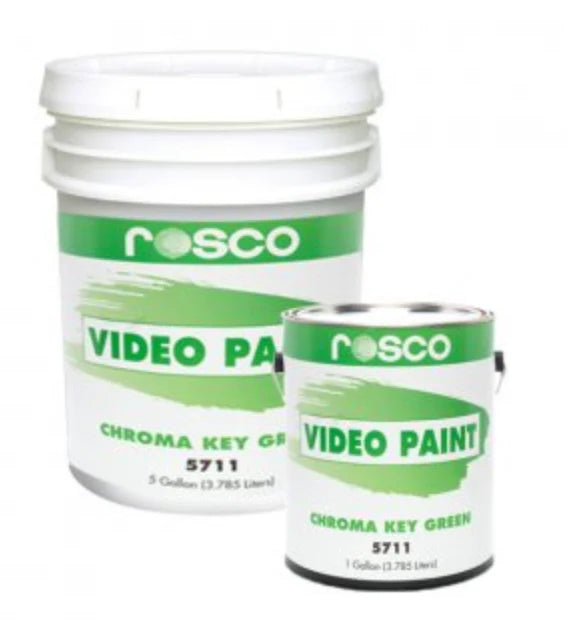


Rosco Chroma Key Paint – Green (5711)
Rosco Chroma Key Paint – Green (5711)
We’re currently taking enquiries for this product in New Zealand — please leave your details and we’ll assist with your order. Pricing shown is indicative only.
This is not “hardware-store green” and it’s not just a paint that looks like chroma green. Rosco Chroma Key Paint is a purpose-made video paint engineered for clean keying: high luminance + strong colour saturation with a controlled, camera-friendly matte finish.
Why pros use it: keying issues usually come from sheen/hot spots, patchy colour, and “close enough” greens that drift under lights. A purpose-made chroma system is about repeatability — so your key behaves the same today, next week, and on the next job.
Best for
- Green screen studios (permanent walls/cyc)
- Virtual sets and broadcast environments
- Photo/video stages needing predictable keys
- Infinity walls where consistent lighting is critical
If you’re doing digital compositing / virtual production and want tightly controlled standards, consider Rosco DigiComp® HD (see comparison at the end).
What “purpose-made chroma” looks like in practice
A good key is usually won or lost on two things: surface behaviour under light and colour consistency. These examples show why “flat” DIY paints often fail on camera.

Sold by the gallon (3.785 L) — designed for real studios, not “close enough” green walls.
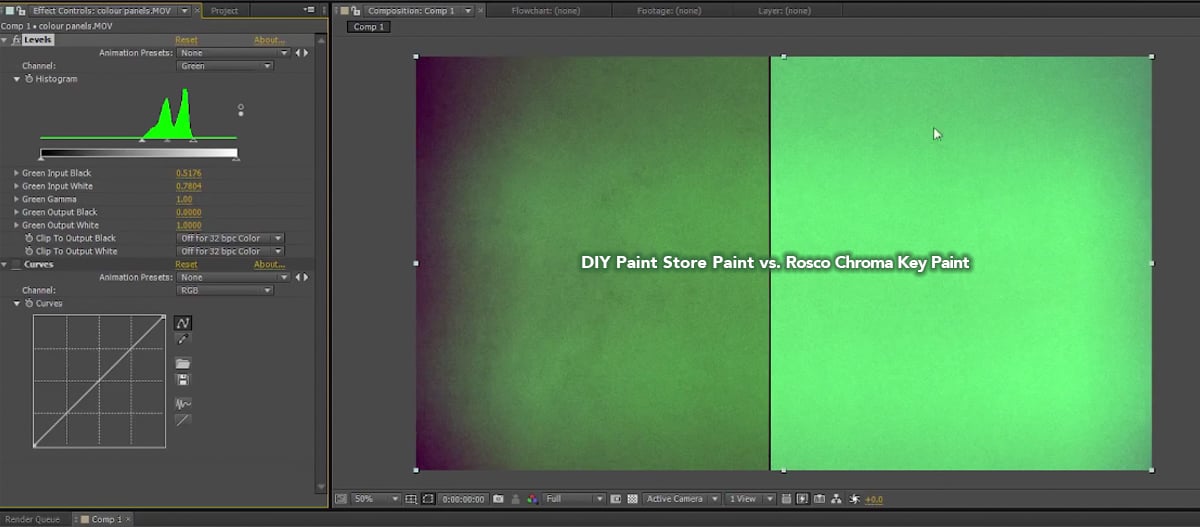
Vectorscope comparison: “green-looking” isn’t the same as engineered chroma behaviour.
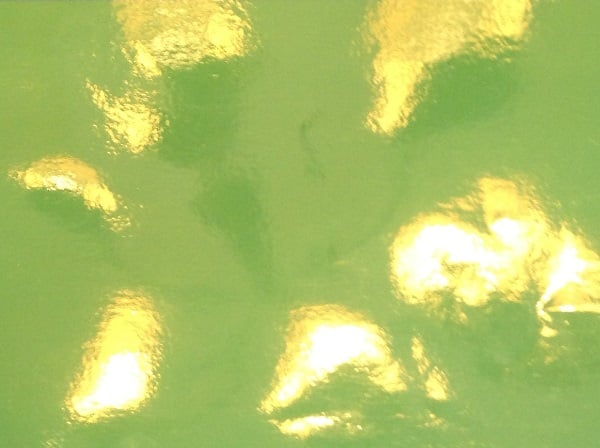
Sheen/gloss can read as bright patches on camera, making clean keys harder and slower.
Why Rosco Chroma Key (not “any chroma green paint”)
Purpose-made colour behaviour
High luminance + saturation
Designed so lighting + camera see a consistent, keyable background.
Surface control
Matte, camera-friendly finish
Helps reduce “hot spots” and uneven sheen that show up under soft studio light.
Repeatability
Made for production consistency
When touch-ups happen, you want the patch to key like the wall — not “almost”.
Simple way to think about it:
Hardware-store paints optimise for “looks good in a room”. Rosco keying paints optimise for camera capture and post-production efficiency.
Where it’s used
- Film & TV studios, broadcast sets, virtual production
- Corporate video rooms and education media spaces
- Photography studios needing predictable composites
- Touring / temporary stages when paired with drops, flies and chroma flooring
▼ Application & usage guide (tight + practical)
- Prep: Surface must be clean, dry, and free of oils/grease.
- Prime porous surfaces: Use Rosco Tough Prime – White as the recommended final prime coat on porous substrates (note: fabrics are typically treated differently—test first).
- Stir, don’t shake: Stir contents before use for uniform colour.
- Apply thin, even coats: Brush, roller, or spray. Overlap strokes and keep a wet edge to avoid lap marks.
- Recoat timing: Touch-dry around 30 minutes at 24°C; recoat in 1–2 hours (conditions/thickness matter).
- Avoid over-dilution: Use straight from the can. If you must thin, do it minimally — dilution can reduce evenness.
Pro lighting note: Your paint can be perfect and the key can still be messy if lighting is uneven. Aim for even illumination across the background and avoid shiny floors/objects that throw green reflections onto talent.
▼ Technical information (quick reference)
| Spec | Value | What it means for you |
|---|---|---|
| Finish | Matte | Helps minimise glare/hot spots under studio lighting |
| Solvent | Water | Workshop-friendly handling + soap/water clean-up (while wet) |
| Binder type | Vinyl Acrylic | Stable film designed for production environments |
| Coverage |
Approx. 300 sq ft per gallon ≈ 27.9 m² per 3.785 L (≈ 7.4 m²/L) |
Plan coverage per coat; porous surfaces will use more |
| Dry time | Touch-dry ~30 min at 24°C Recoat 1–2 hours |
Keep coats even and allow proper flash-off |
| VOC | Max 50 g/L | Lower-VOC category for many studio environments |
Planning tip: For high-traffic studios (floors in shot), consider the full system (paint + chroma floor + matching tape) to keep maintenance easier.
The complete Rosco Chroma Key System (built to match)
Where most studios struggle is mismatch: wall vs floor vs joins vs temporary backgrounds. Rosco’s system is designed so these pieces key together with fewer surprises.

Blue one side / green the other — fast setup when you don’t want to paint floors.

For seams, wall-to-floor joins, cable runs and tidy edges — designed to match the system.
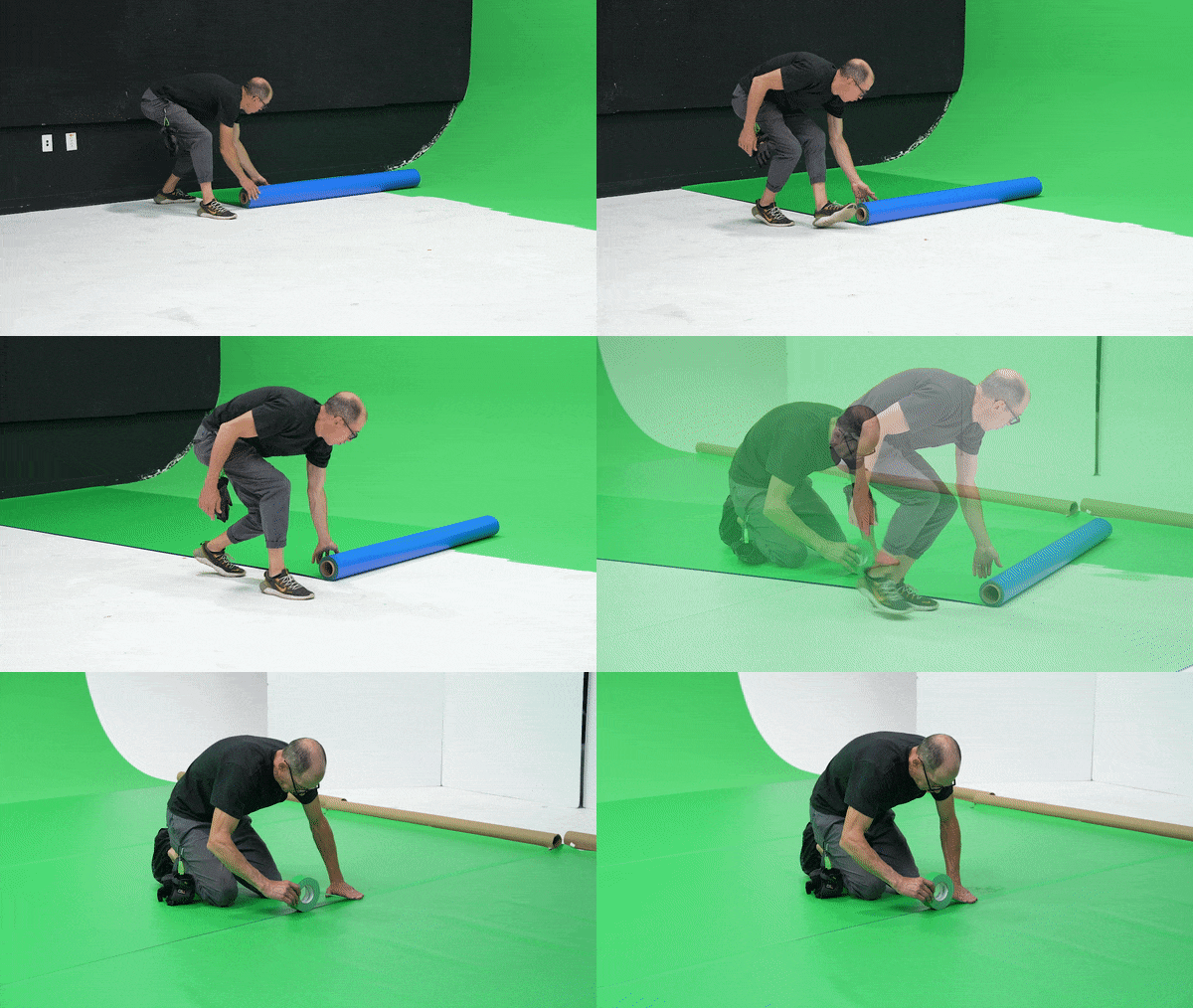
Roll out floor, tape seams, clean up transitions — quick and production-friendly.
▼ Temporary backgrounds (when you can’t paint)
For location work, rentals, multi-use rooms, or short-term builds, Rosco’s system includes quick background options:
- ChromaDrop: hang a backdrop for a fast “wall” background
- ChromaFly: a butterfly that attaches to grip frames (great as an insert panel)
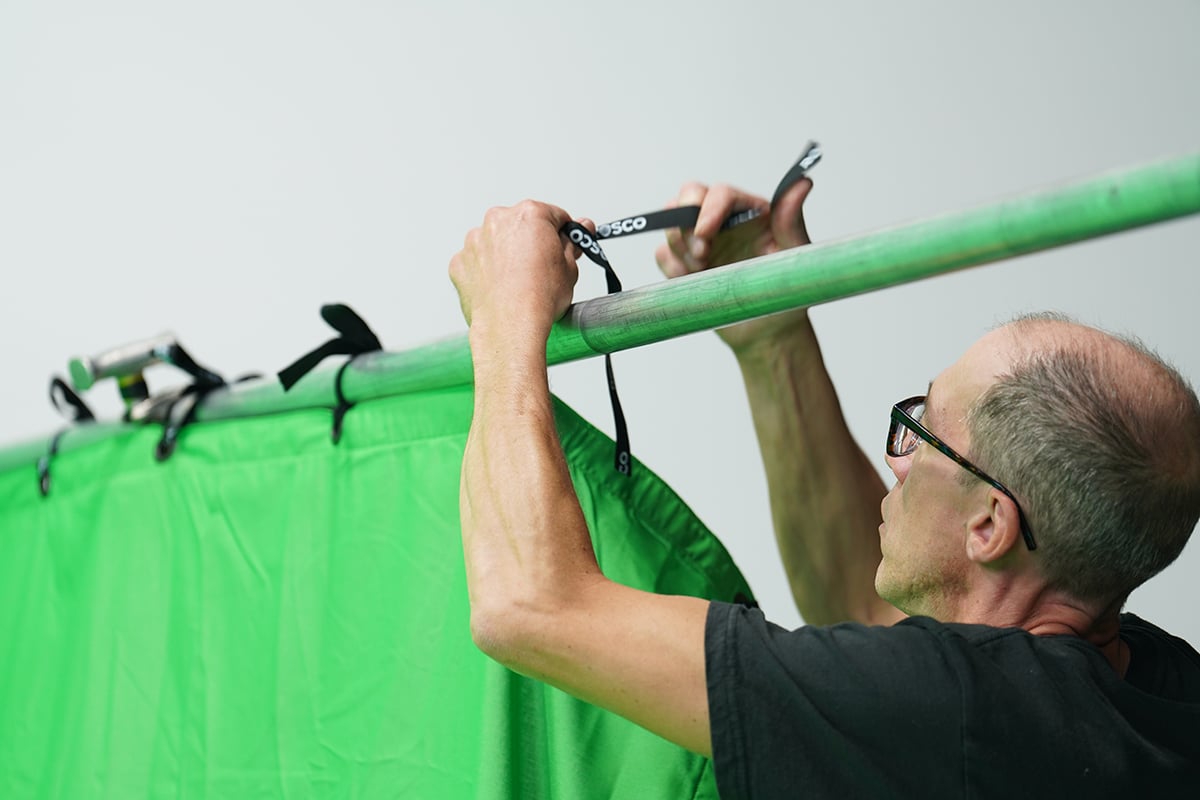
Hang-and-go chroma background option.
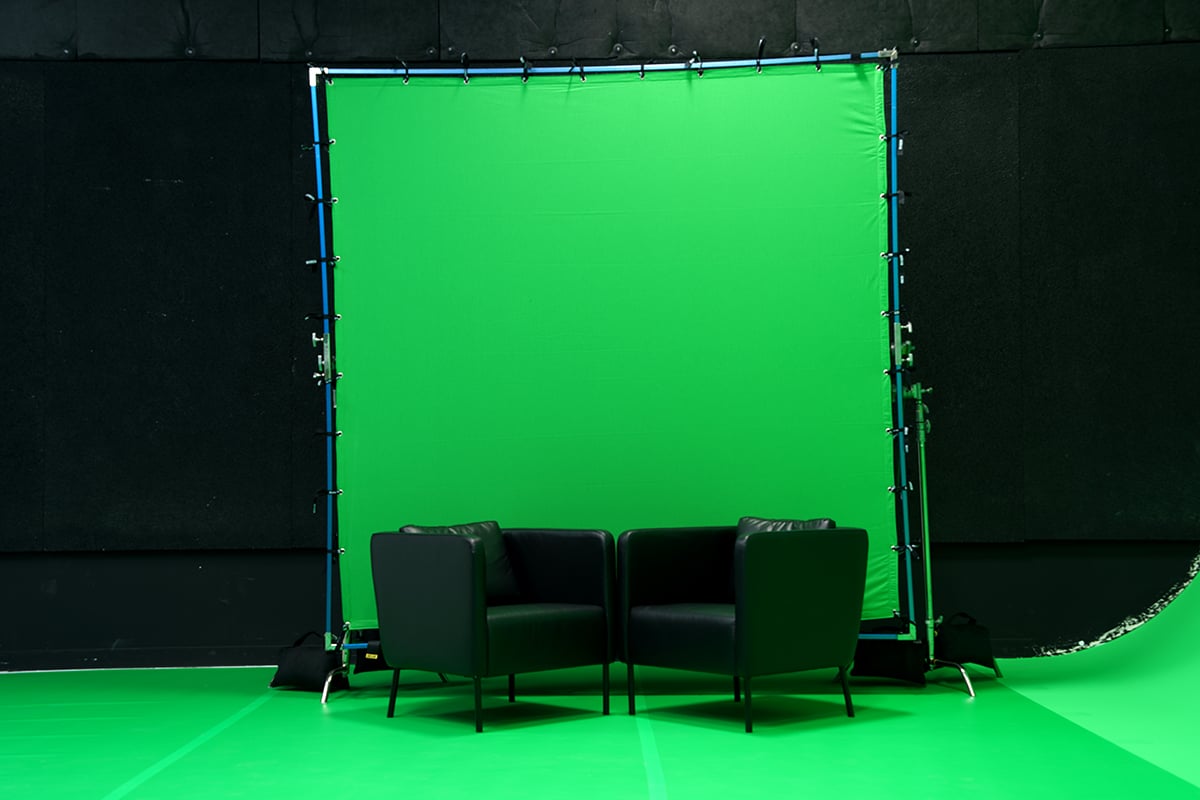
Frame-mounted butterfly for flexible setups.
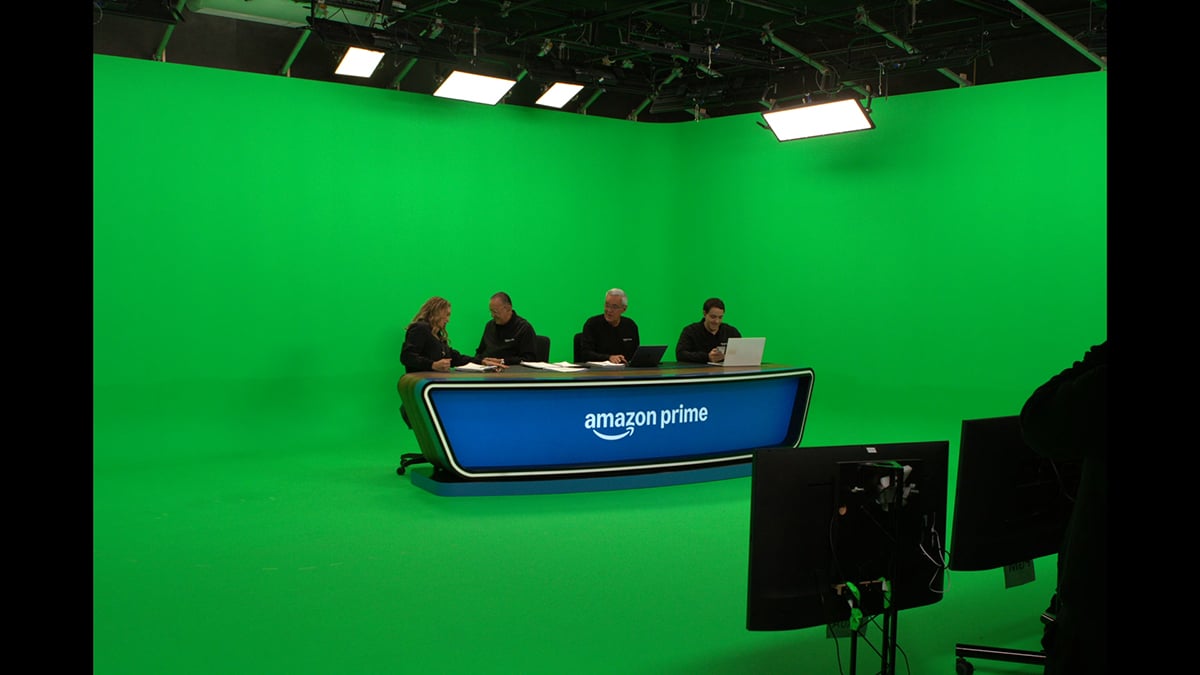
Infinity wall + floor approach for wide shots.
Other Rosco chroma options (same family)
If green isn’t the right key colour for your wardrobe/props, or you’re working to specific digital standards, these are common pairings.
| Option | Best when | Notes |
|---|---|---|
| Chroma Key Paint – Blue (5710) | Foreground has lots of green (or green spill is a concern) | Same purpose-made approach; choose colour to avoid conflicts with wardrobe/props. |
| DigiComp® HD (Digital Green/Blue) | Digital compositing / virtual production needing controlled standards | Designed around specific luminance/RGB targets for optimised digital workflows. |
Not sure which to choose? Rule of thumb: choose the key colour that least appears in the foreground (and that your camera system handles best).
Cautions & important notes
- Temperature: Do not apply if surface/air temperatures are below 10°C. Keep from freezing.
- Ventilation: Avoid prolonged skin contact or breathing of spray mist. Use adequate ventilation.
- Prime properly: Unprimed porous surfaces can create uneven coverage and patchiness under light.
- Test first: Always test the full system (surface + primer + paint + lighting) before committing to the entire studio.
All technical data, recommendations and service are accurate to the best of our knowledge. Rosco assumes no responsibility for results obtained or damage incurred from use since method of application and use are beyond our control.
Chroma Key Paint vs DigiComp® HD (quick selector)
Both are purpose-built keying paints. The difference is the workflow you’re optimising for.
| Question | Choose Chroma Key Paint | Choose DigiComp® HD |
|---|---|---|
| What’s the goal? | Reliable chroma key background for general production capture | Controlled digital compositing performance aligned to specific standards |
| Where is it common? | Studios, broadcast rooms, education media spaces, general green/blue screen builds | VFX-heavy pipelines, virtual production, environments chasing crisp separation & reduced post clean-up |
| What’s the “edge”? | High luminance + strong saturation for keying, matte finish behaviour | Precise, repeatable standards for clean separation and efficient compositing workflows |
| If you’re unsure… | Start here for most green/blue screen studio builds | Pick this when your post/VFX team requests DigiComp standards specifically |
Practical note: Many “chroma” problems aren’t paint problems — they’re lighting uniformity, sheen/hot spots, and mismatched surfaces (wall vs floor vs seams). A matched system helps keep everything behaving the same on camera.