Explore by Design Intent
Start with the outcome, not the product.
A designer rarely begins by knowing “I need an Image Spot.” You begin with intent — texture on a blank wall, movement across a ceiling, colour that lasts, a beam that fits the architecture. Pick the intent below and we’ll bridge it to the technique and the Rosco tool that gets you there.
Choose the result you’re designing for
Each intent maps to a technique and a Rosco tool — and to a page that shows how it works, where it’s been used, and how to specify it in Australia.
Make light move
Convincing water, fire, cloud, foliage and aurora — organic, non-repeating movement generated in optics, with no media server, no screen and no haze.
Put an image exactly where you want it
Place a logo, pattern, texture, message or photographic detail onto a wall, floor or façade — keystone-corrected and sized to the architecture.
Fit the beam to the architecture
Turn a round beam into a linear or oval one, stretch it along a corridor or artwork, or hold a shape on a wall — without changing the fixture.
Turn a surface into a source
Make a ceiling, wall, shelf or stair glow uniformly — even in an 8 mm cavity — or run high-CRI linear light through joinery and reveals.
Colour that doesn’t fade
Saturated, stable, repeatable colour and correction for permanent installations — dichroic glass rather than gels that burn out.
Guide people with projected light
Project paths, arrows, icons, zones and information onto floors and surfaces — reconfigurable, and without adding physical signage.
Detail a façade in light
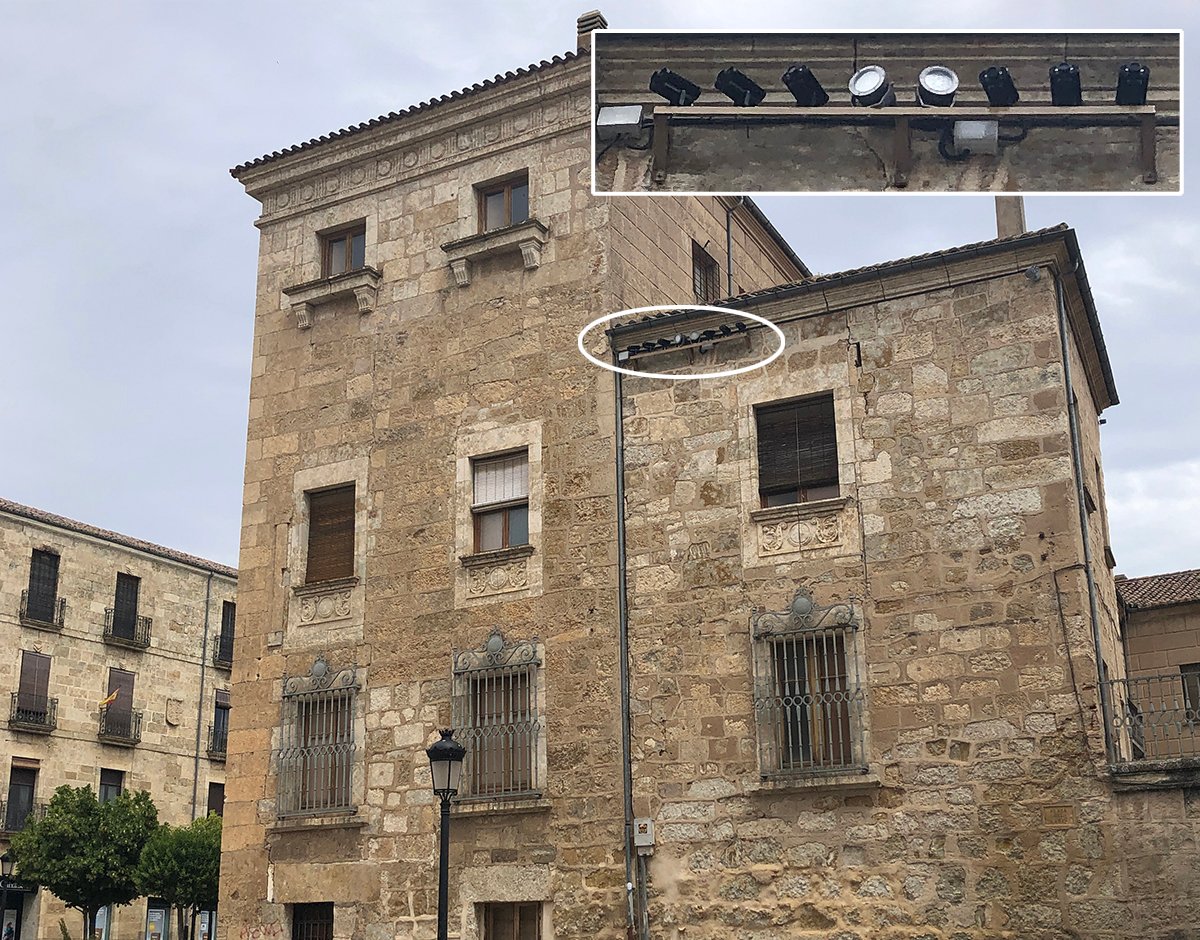
Highlight selected architectural detail, mask light to a surface’s exact geometry, interpret heritage, or give a building a dynamic night identity.
Bring nature indoors, without a screen
Dappled foliage, drifting cloud, gentle water and natural movement — the calming cues of nature, created optically over real surfaces.
From “I want it to feel like water” to a specified projector
At The Blue Paradox in Chicago, the brief wasn’t a product — it was a feeling: an immersive ocean, moving and alive. That intent resolved to roughly 200 Rosco X-Effects projectors layering non-repeating water across 15,000 sq ft, bright enough to hold up against heavy ambient projection. That’s the path every intent on this page follows — outcome first, then technique, then a specification CFATS can quote and supply in Australia.
See how movement is made →
Designing something unusual?
Rosco’s tools are often combined in project-specific ways. If you can picture the result but not the product, start with the result.
Show us what you’re trying to create →Ready to talk it through?
You don’t need a finished specification. Bring a sketch, render, drawing, photo or problem — we start there and help you test, validate and specify.
Discuss your project →